
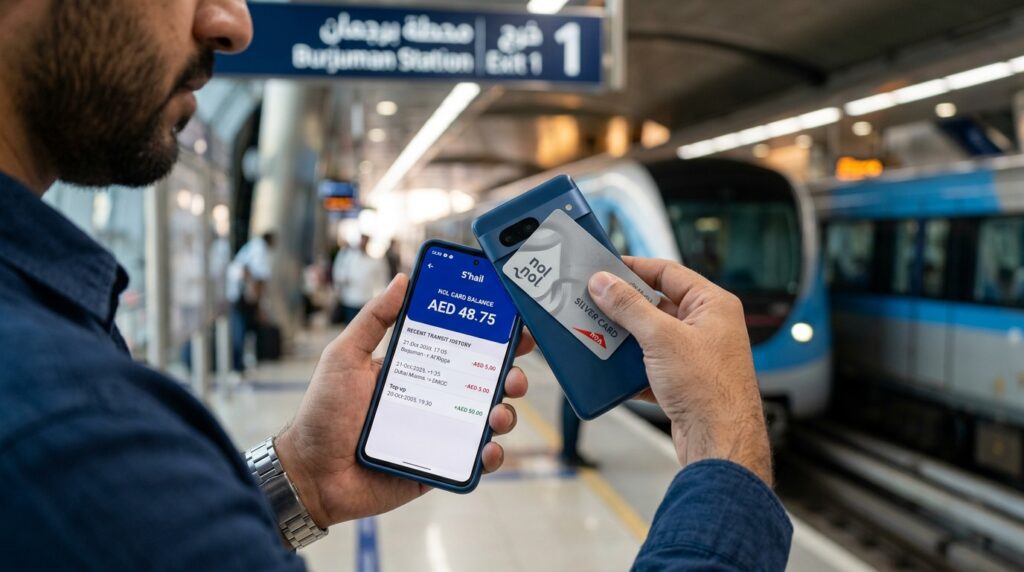
The fastest nol card balance check is on RTA’s website: type the 10-digit tag ID printed on your card into the “Check nol Balance” box. With an NFC phone, you can tap the card on your phone in the nol Pay or S’hail app. At a Metro station, the ticket machines are another option.
None of these needs a visit to a counter. Below are the steps for each, and what to do when a top-up does not show.
Ways to check nol balance compared
Method | What you need | Best for |
RTA website | The 10-digit tag ID | Any phone or laptop, no app needed |
nol Pay app | An NFC phone, or a virtual card in the app | Regular users, live balance and alerts |
S’hail app | UAE Pass login and an NFC phone | Residents who already use S’hail |
Metro ticket machine | The card itself | Checking just before you top up |
Metro ticket office | The card itself | Help with a card that won’t read |
Our pick for most people is the website for a quick look and nol Pay for anyone who rides every day. Visitors without a UAE phone number can use the website or a ticket machine.
Where to find your nol tag ID
The tag ID is the card number printed on your nol card. RTA’s balance box takes 10 characters, so you only need the 10-digit number, not the longer serial some websites mention.
Take a photo of it on the day you buy the card. If the card is ever lost or damaged, you will need that number for a refund, as our lost nol card guide explains.
How to check nol balance online on RTA’s website
This works on any browser and needs no account.
- Go to the RTA home page.
- Find the Check nol Balance box.
- Enter the 10-digit tag ID.
- Submit and read the balance on screen.
Khaleej Times notes that the online figure may not include trips from the last 48 hours. If you have just travelled or topped up, the number on the site can be behind the real balance. For an up-to-date figure, tap the card on your phone in nol Pay instead.
The website is the easiest way to check nol balance online for a card you are not holding, such as a child’s card.
How to check your balance in the nol Pay app
nol Pay is RTA’s own nol app. Since an update in November 2025, it shows real-time balances and can send reminders when your balance is low.
For a physical card:
- Open nol Pay and choose the option to check card info.
- Hold the card flat against the back of your phone, where the NFC reader is.
- Keep it still until the balance and card details appear.
For a virtual card, the balance shows in the app straight away. RTA lists only compatible Samsung and Huawei phones, plus Huawei Watch 3 and 3 Pro, for virtual cards. It does not publish a list of phones that can read a physical card, so make sure NFC is switched on and try a few positions on the back of the phone.
If you only install one nol balance app, make it this one. It also tops up instantly. No waiting for activation.
Checking your nol card balance in S’hail
S’hail is RTA’s journey-planning app, and it reads nol cards too. Log in with UAE Pass, choose Check Card Info, and tap your card on the phone. Because it needs UAE Pass, S’hail suits residents rather than tourists.
Checking at a Metro ticket machine
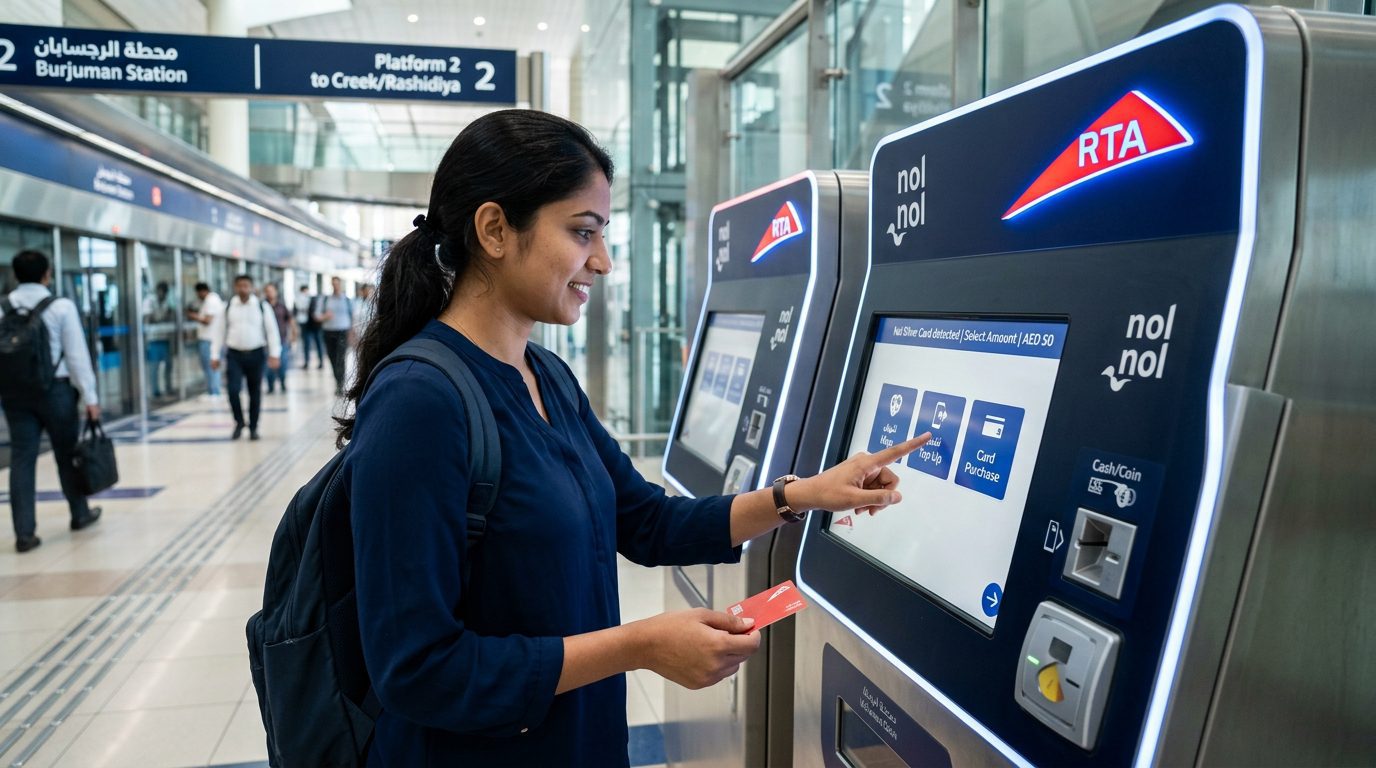
Every Metro station has ticket vending machines. Khaleej Times says the machines show your balance when you place the card on the reader, before you choose a top-up amount. RTA’s own pages don’t describe this, but it is the simplest way to check the balance when you are already at the station.
The ticket office at the same station can also read the card. Use it if the machine rejects your card, because staff can tell you whether the card is faulty.
Checking a family member’s card and setting alerts
Parents often need to check a child’s card as well as their own. There are two ways.
The quick one is the website: type the child’s tag ID into RTA’s balance box. The better one is nol Pay. RTA’s family service lets a guardian link family members’ personal or registered cards to their own account and manage them there, free of charge. After the November 2025 update, you can also schedule automatic top-ups for those cards.
Scheduled top-ups in nol Pay start at AED 20, with a maximum of AED 500 a day. Combined with the low-balance reminders, this means you rarely need to check the balance by hand. We think it is the most useful nol balance app feature for families.
Check the expiry date too
Silver, Gold and Personal cards are valid for 5 years. When you look at the balance in an app, look at the expiry date as well.
An expired card can still be used. RTA lets you spend the remaining balance for 2 years after expiry, but it won’t accept top-ups, registration or new passes. So if a top-up suddenly fails on an old card, expiry is the likely reason. A personal card can be renewed online, and our personal nol card guide explains how.
What about the RTA Dubai app and SMS 511?
Khaleej Times describes a balance option in the RTA Dubai app under its nol services. RTA’s own pages mention RTA Dubai for NFC top-ups but do not describe a balance check, so treat it as a backup.
Many websites still give steps for a nol balance check by SMS to 511. We could not find this service on any current RTA page, and the sites that describe it disagree about the steps. We would not rely on it.
Why is my nol balance not updating?
Usually because the top-up is waiting to be activated. RTA’s top-up service page splits top-ups into two kinds:
Top-up channel | When the money is usable |
Ticket machine, ticket office, solar top-up machine, nol Pay, NFC tap in S’hail or RTA Dubai | Straight away |
RTA website, Mahboub chatbot, tag ID top-ups in apps, bank apps | After activation, 45 minutes to 4 hours later |
To activate a pending top-up, tap the card on any of these within 180 days:
- nol Pay, S’hail, RTA Dubai or Dubai Now, using NFC
- a Metro gate (check in and out within 2 minutes to avoid a fare)
- an RTA parking meter
- a solar top-up machine at a bus stop
Bus card readers can’t activate it. RTA also sends an email when the top-up is ready. If the card has expired or been blocked, a pending top-up can’t be activated, and you need to apply for a refund instead.
What balance do you need to travel?
RTA requires a minimum balance of AED 7.50 to use the Metro, which is the Silver fare for more than 2 zones. It advises keeping AED 15, enough for a return trip. Gold card fares are double, so keep more on a Gold card. A Red Ticket works differently: it must hold at least one trip, because it stores trips rather than money.
If your balance is low, you can top up your nol card through any of these channels. RTA sets a different minimum for each:
Channel | Minimum top-up |
nol Pay, S’hail, RTA website, Mahboub, solar machines at bus stops | AED 5 |
Metro ticket machine (since 1 March 2025) | AED 20 |
RTA Dubai app | AED 30 |
Metro ticket office | AED 50 |
Online top-ups are capped at AED 150 each time. An anonymous card can hold up to AED 1,000 and a registered or personal card up to AED 5,000. For what each trip costs, see our Dubai Metro and bus fares guide.
Problems that show up when you check
Charged more than expected. If you forgot to tap out, or tapped twice, you can claim an overcharge refund within 5 days of the trip. RTA caps the claim at AED 4.50 on Silver, AED 9 on Gold and AED 2.25 on concession cards.
Card not reading anywhere. If a personal card fails within 30 days of issue, hand it to Metro station staff and request a replacement online. After that, you pay the replacement fee.
Balance below zero. RTA does not publish guidance on negative balances. If you see one, ask at a Metro ticket office or call 800 9090 before topping up.
Fake checker sites. Several websites with “nol” in the name ask for your tag ID and call themselves official. Only rta.ae and RTA’s own apps are run by RTA, so there is no reason to type your tag ID anywhere else.
Frequently asked questions
Can I check my nol balance without the app?
Yes. Enter the 10-digit tag ID in the Check nol Balance box on RTA’s website, which works on any browser and needs no account or UAE phone number. According to Khaleej Times, ticket vending machines at Metro stations also show the balance when you place the card on them.
Can I check my nol card balance with just the card number?
Yes, the card number is the tag ID. Type the 10 digits printed on the card into RTA’s online balance box. This is useful for a family member’s card that you are not holding. Khaleej Times notes the online figure may miss trips from the last 48 hours.
Why is my nol card top-up not showing?
Top-ups made on the RTA website, through Mahboub or in a bank app need activation. Wait 45 minutes to 4 hours, then tap the card in nol Pay, S’hail, at a Metro gate, a parking meter or a bus-stop solar machine. You have 180 days to do it.
Can I check my nol card balance on an iPhone?
You can always use RTA’s website on an iPhone. RTA does not list which phones can read a physical card with NFC, and virtual nol cards work only on selected Samsung and Huawei phones. If tapping does not work on your iPhone, use the website or a Metro ticket machine instead.
How do I see my nol card trip history?
With a personal nol card, RTA lets you see one month of transaction history online. This helps when you think you were overcharged, because an overcharge claim must be made within 5 days of the trip. Check your trips soon after travelling so you don’t miss that window.
Keeping track after your nol card balance check
Use the website for a quick look, nol Pay if you travel every day, and a ticket machine when you are about to top up. Keep at least AED 15 on the card and you will rarely be stopped at the gate. If you are still choosing a card, our comparison of the four nol card types explains which suits you. More guides are in our travel section and on the Live In Gulf homepage.